Every secret you work with, sealed on your Mac.
Passwords, API keys, databases and SSH keys in one native app. No account, no Satchel server.
macOS 15 or newer, Apple silicon or Intel.
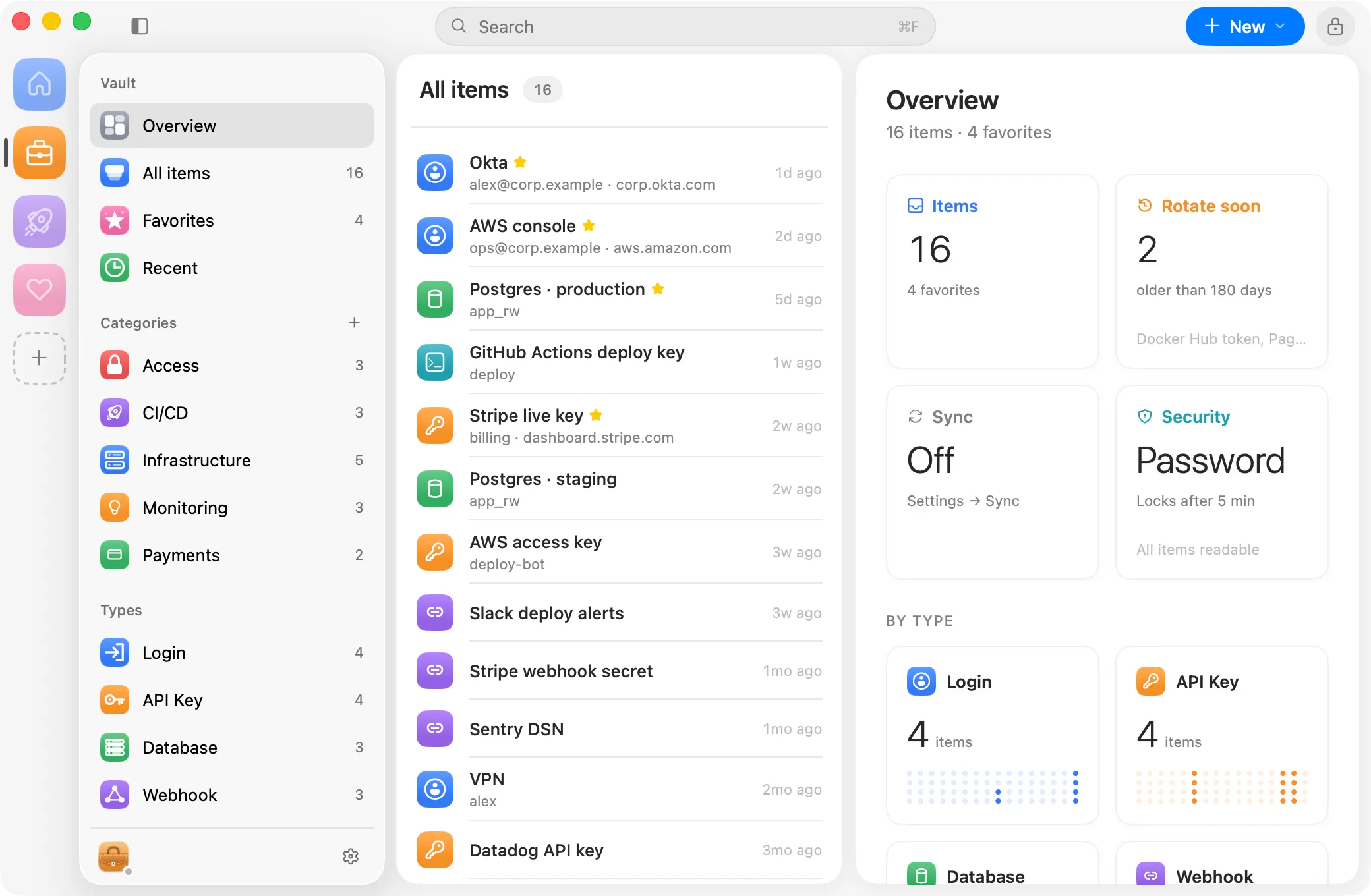
Every kind of secret, with the fields it needs.
Logins with their one-time codes, API keys, database connections, webhooks, notes and SSH keys. File them into categories of your own.
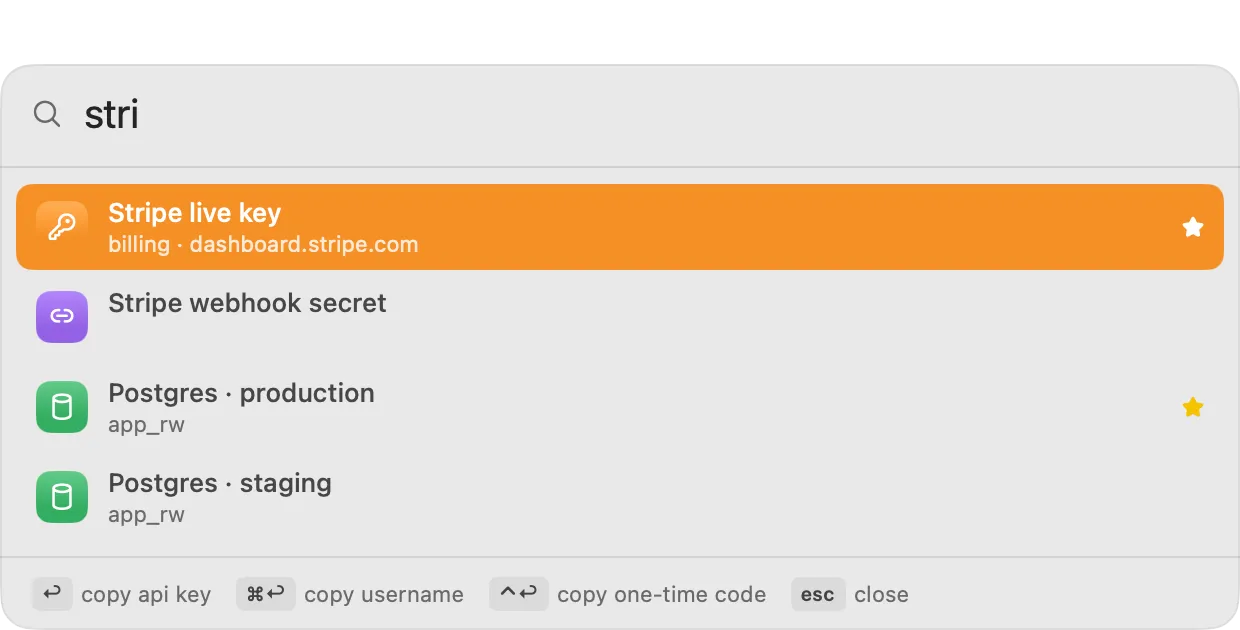
Press ⌥ Space from any app.
Type a few letters, press Return to copy. For apps a browser can't reach, Satchel can type the secret into the field you were in.
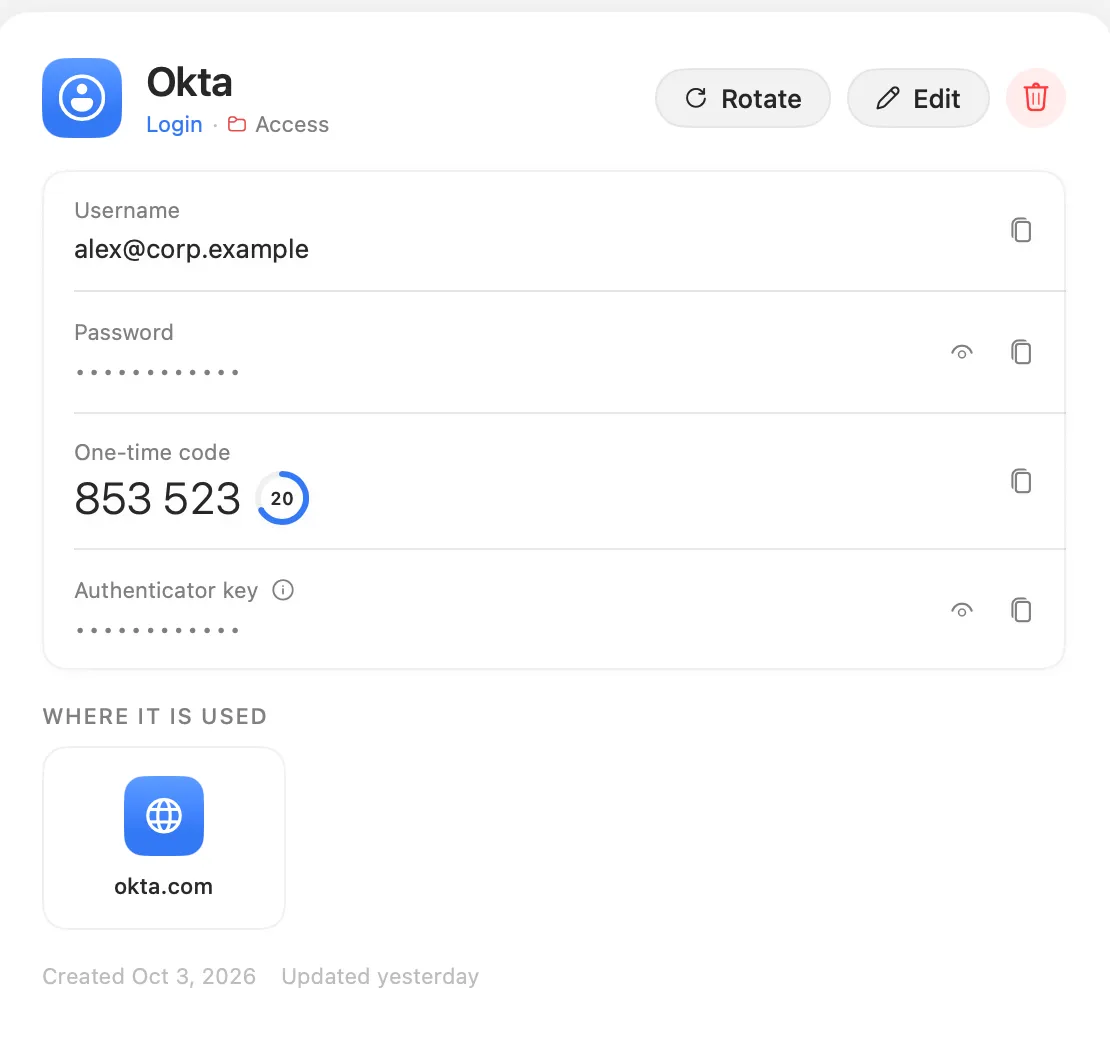
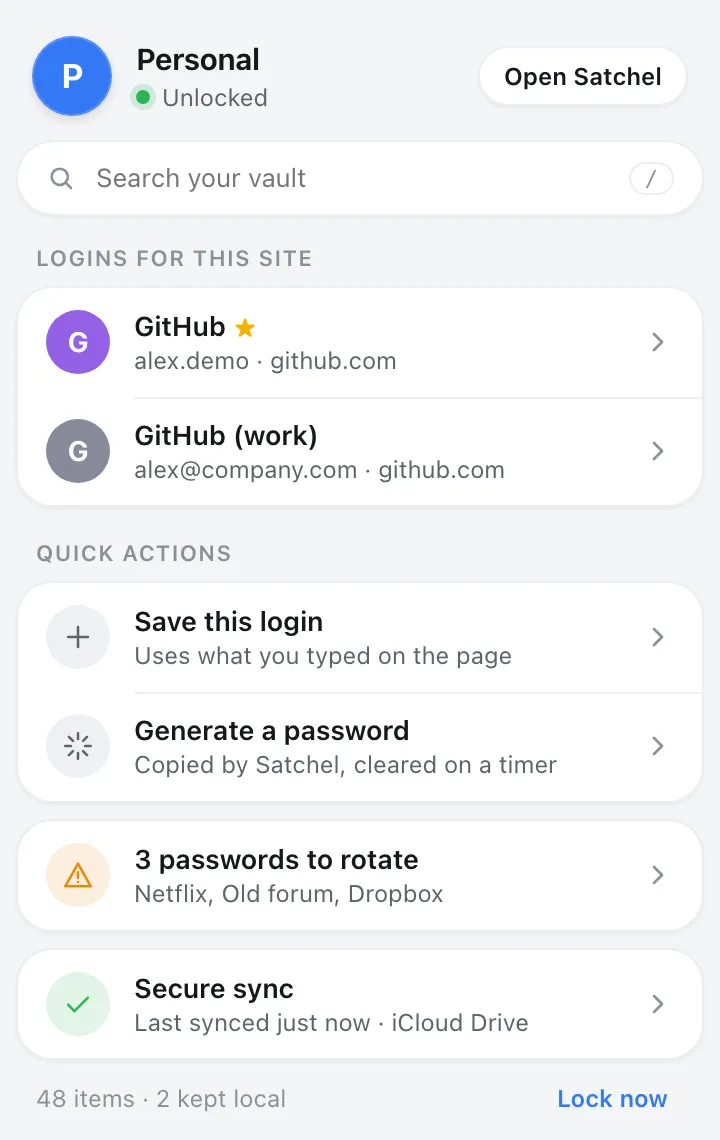
Your logins, one click away in the browser.
Works in Dia, Arc, Chrome and Firefox. A page only sees logins saved for its own site, and nothing is filled until you click.
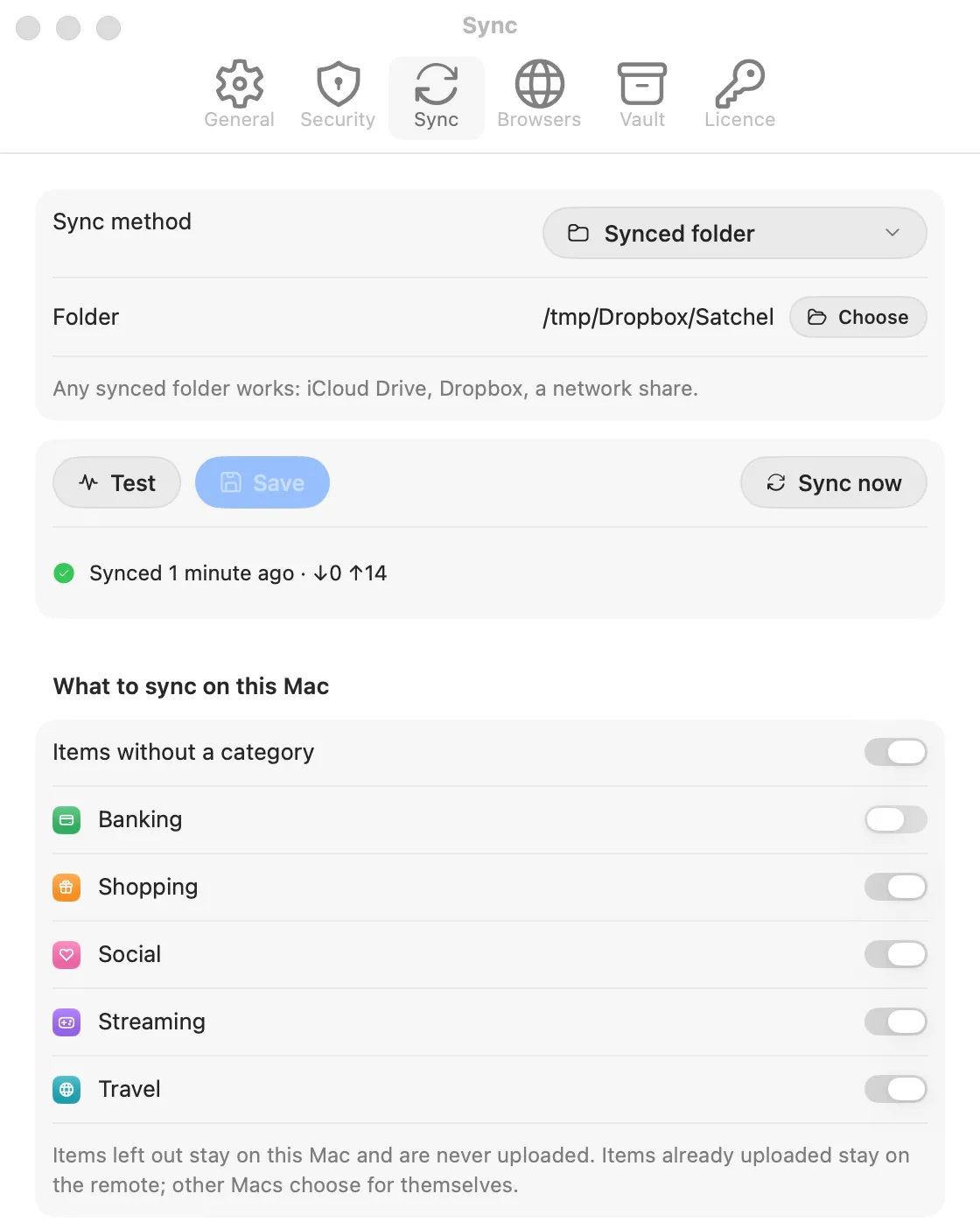
Sync through a place you already own.
A synced folder, GitHub, any git host, WebDAV or S3. Only sealed files leave your Mac, and you choose what stays on this one.
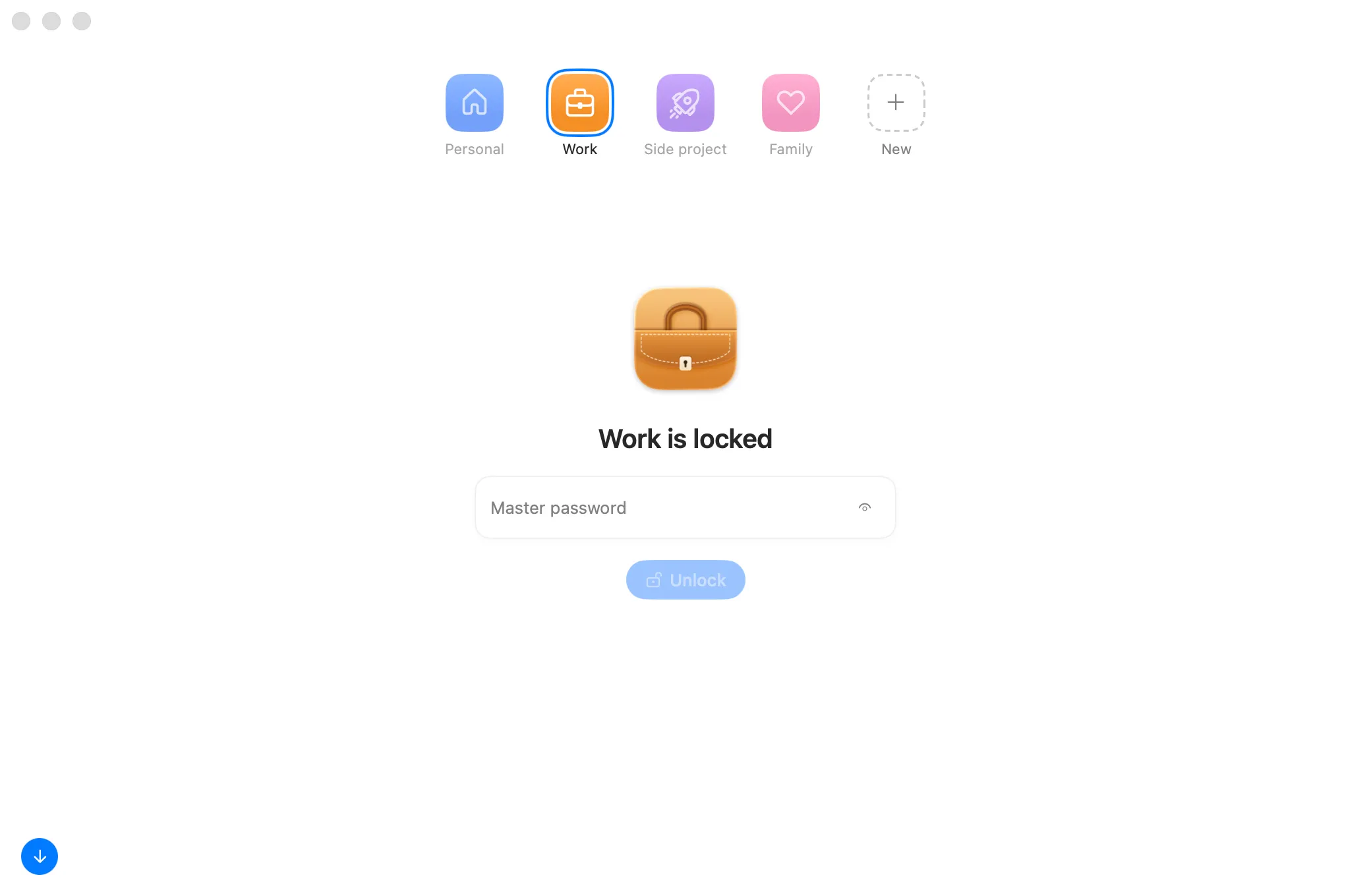
A workspace for each part of your life.
Work, personal, a side project. Each one has its own password, Touch ID and sync.
Private by design.
Encrypted on your Mac
Each item is sealed with XChaCha20-Poly1305 before it is written. Your master password is never stored.
No Satchel server
No account to create or leak. Your sync place only ever sees sealed files.
Honest about its limits
What it protects, and what it can't. Read how Satchel keeps a secret.
€20, once. Try it free for 14 days.
+ checkout fees. No subscription.